
All guides
DATING · 2 MIN READ

How to check a Bumble or Hinge photo

Bumble and Hinge show you more text than Tinder, and the same problem underneath: the photos may not be theirs. A screenshot is the whole search.

Bumble and Hinge ask people to write more than a Tinder bio. Prompts, voice notes, and a job can make a profile feel specific. The photos are still just photos. A detailed prompt does not prove the pictures were taken by the person who wrote it.

Start with the photo, not the prompt

Screenshot the clearest face. Upload that image. The search compares the face with publicly indexed pages. It does not log into Bumble or Hinge, and it does not read the prompts for you. If several people are in the picture, pick the face you want checked.

One credit opens the pages where a similar face appears. Read them. A public account, a portfolio, or an older post under another name is something you can compare with the profile. A prompt about a city, a dog, or a job is only as solid as the person who can say it on a live video call.

What to compare

  • The name on the source page against the name on the profile.
  • The other photos. One borrowed portrait next to three ordinary ones is a different situation from a whole profile of studio shots.
  • Dates. A photo that has been public for years does not match a story that it was taken last week.
  • The face, not the background. Filters and crops change the file. They should not be the reason you ignore a clear match.
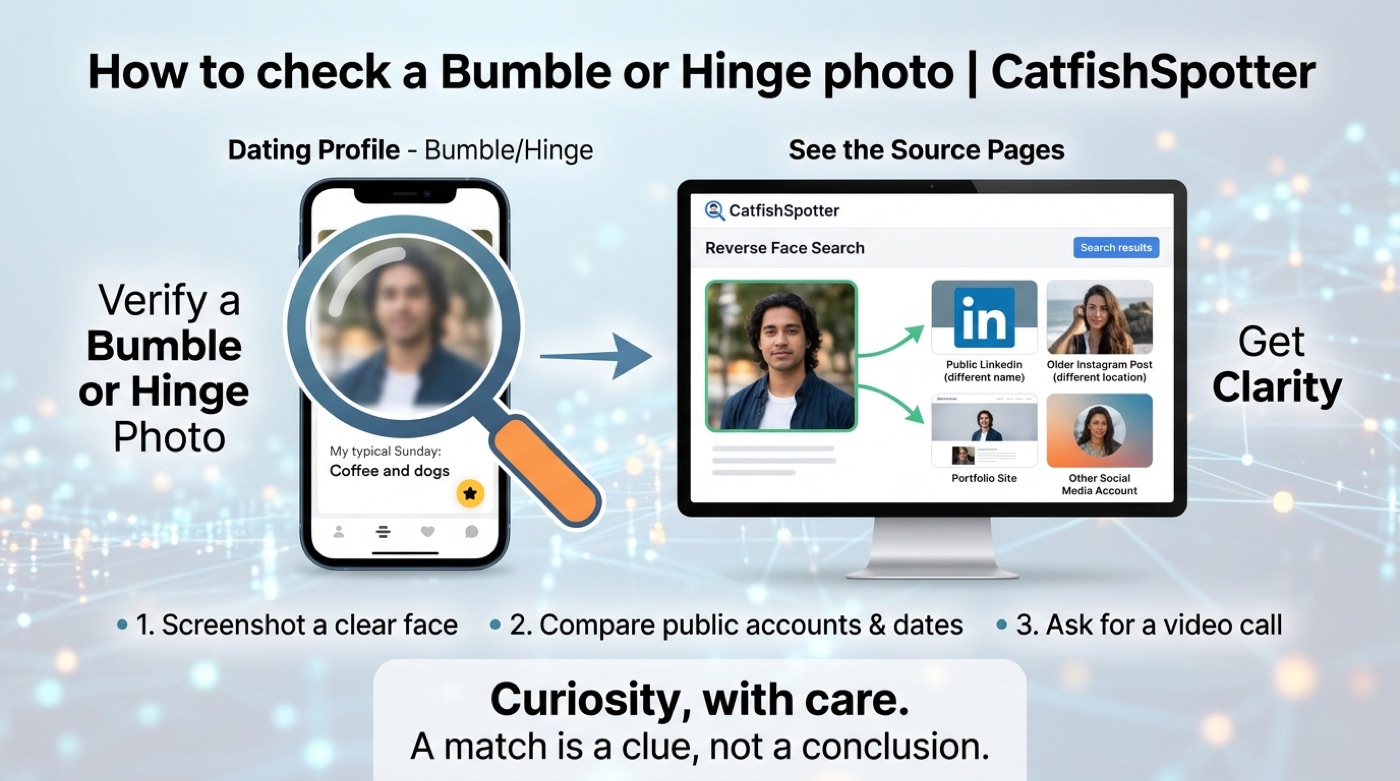
Screenshot a Bumble or Hinge photo, compare the public accounts it matches, and ask for a video call
01

Empiece por un rostro.

Una foto. Otra perspectiva.

Su foto no se guarda nunca. Va al proveedor de búsqueda y se descarta; el informe vive solo en este navegador. Una búsqueda necesita un crédito. Sin crédito verá qué comprueba una búsqueda, no coincidencias inventadas.

Suelte una foto aquí

o elija una de su dispositivo

JPG, PNG o WebP · hasta 10 MB

No upload. No credit used. No account needed.

Bumble, Hinge, and the same limit

What you haveWhat a face search can doWhat it cannot do
A Bumble or Hinge screenshotCompare that face with public pagesOpen the app, or see who liked you
A written prompt that sounds specificNothing. The words are not in the photoProve the writer owns the pictures
A different photo of a similar faceCan match, when the face is clearCertify that it is the same person
No public page at allReport that nothing indexed matchedVerify that the profile is real

Then leave the search

A match is a reason to pause, not a script for confronting the person in the photograph. Ask the person you are talking to for a live video call. If they ask for money, stop, and report the account to the app. If the photo belongs to someone else, leave that person alone.

The same steps apply on other apps. The general version is the search for a public page by photo, and the way to read a score is in reading your results.

A little context can go a long way.

Check a photo